
Quick Fixes for Common Audio Problems in Nepali Field Recordings
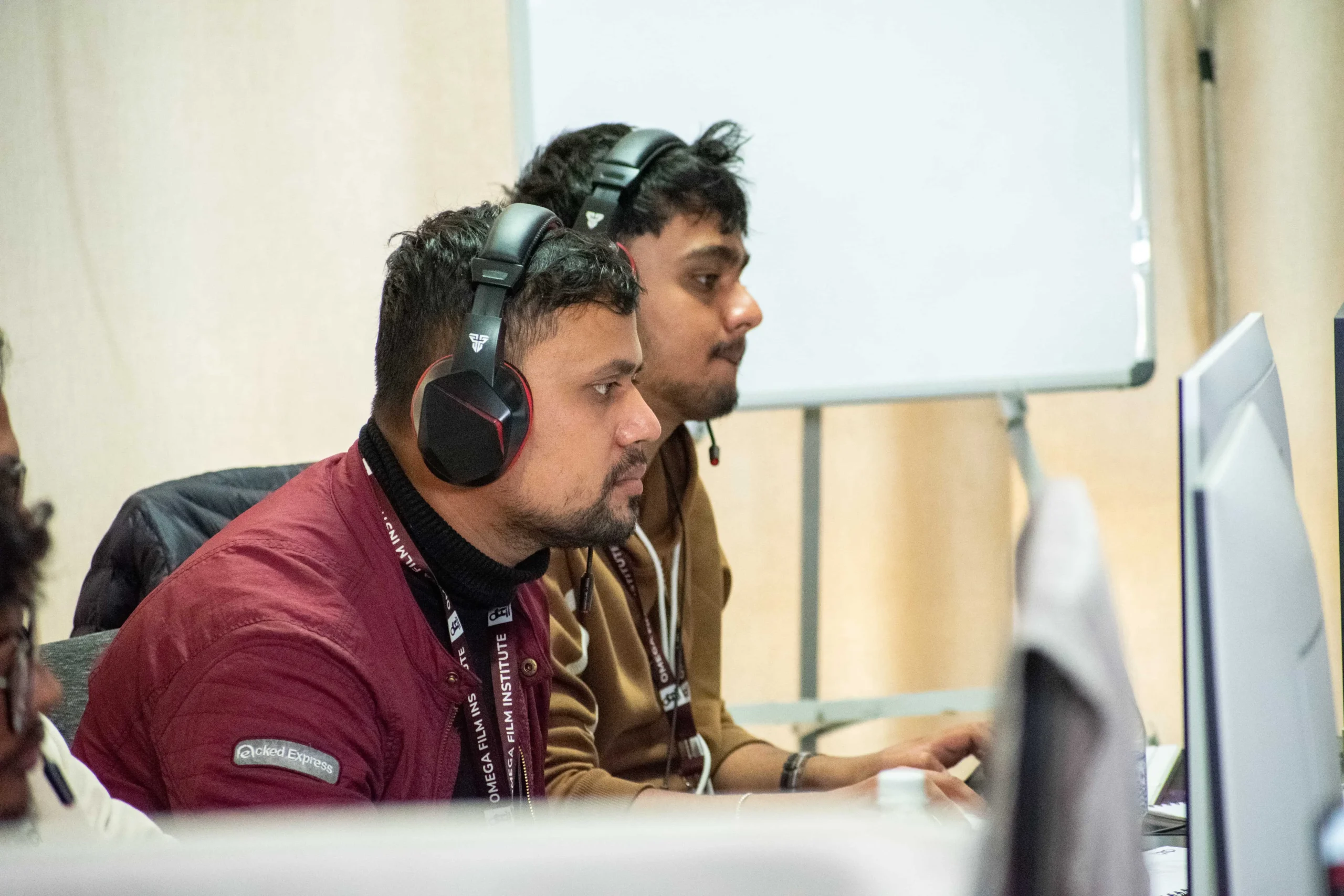
Clean, clear audio is one of the most important elements of any video project — whether you’re filming documentaries, wedding events, interviews, YouTube content, or short films in Nepal. However, audio problems in field recordings are very common in Nepal due to noisy outdoor environments, unpredictable weather, traffic, crowds, and equipment limitations. These challenges can easily ruin an otherwise good video if they are not fixed properly during post-production.
At Omega Film Institute, Nepal’s leading school for video editing, filmmaking, and post-production, we train students to handle real-world audio problems using practical and effective techniques. This guide explains the most common audio problems in Nepali field recordings and shows you how to fix them quickly using Adobe Premiere Pro, DaVinci Resolve, and basic audio tools.
Why Field Audio Is Challenging in Nepal
Field recording in Nepal is different from controlled studio environments. You’ll often encounter:
- Busy traffic noise in Kathmandu, Lalitpur, and Pokhara
- People talking or shouting in marketplaces
- Temple bells, street vendors, and construction
- Wind noise in outdoor locations
- The generator hums and produces electrical noise
- Echo and reverb in halls and schools
Because these sounds cannot always be avoided during shooting, editors must know how to fix them in post-production.
1. Reducing Background Noise
Common Problem:
Road noise, people talking, fans, generators, AC hums, and general ambient disturbance.
Quick Fixes:
In Adobe Premiere Pro:
- Go to Effects > DeNoise.
- Drag it onto your audio clip.
- Adjust Reduction (40%–60% works well for most Nepali locations).
In DaVinci Resolve:
- Open the Fairlight Page.
- Use Noise Reduction or Voice Isolation.
- Adjust the controls until the background noise becomes barely noticeable.
Extra Tips:
- Avoid setting noise reduction too high — it can make voices sound metallic.
- Keep some natural ambient sound to maintain realism.
2. Fixing Wind Noise
Common Problem:
Outdoor recordings in Nepal, especially in open hills or windy areas, suffer from bass-heavy wind rumble.
Quick Fixes:
In Premiere Pro:
- Apply High-Pass Filter (HPF).
- Set the cutoff frequency to 80–120 Hz.
In Resolve:
- Use EQ to remove low frequencies.
On Location Prevention:
- Always use a deadcat, foam cover, or an improvised cloth over the mic.
3. Reducing Echo and Reverb
Common Problem:
Recordings inside halls, schools, and poorly treated rooms sound echoey.
Quick Fixes:
In Premiere Pro:
- Use DeReverb in the Essential Sound Panel.
In Resolve:
- Use Dialogue Processor > DeReverb.
Manual Fix:
- Reduce high frequencies using EQ.
- Add light compression to tighten the voice.
Prevention:
- Place carpets, curtains, or blankets in the room if possible.
4. Handling Distorted or Clipped Audio
Common Problem:
Audio recorded too loudly during weddings, concerts, or loud events becomes distorted.
Quick Fixes:
Unfortunately, distortion cannot be fully repaired, but you can improve it.
In Premiere Pro:
- Use Hard Limiter to smooth out peaks.
In Resolve:
- Lower gain first.
- Apply DeClip (Fairlight FX) to restore some clarity.
Prevention:
- Always check the mic gain before recording.
5. Fixing Low Volume or Weak Voice Recordings
Common Problem:
The interview voice was too soft compared to the background noise.
Quick Fixes:
In Premiere Pro:
- Use Normalize Max Peaks.
- Apply Multiband Compressor.
In DaVinci Resolve:
- Increase clip gain.
- Apply Vocal Compression in Fairlight.
Tip:
- Increase volume in small increments to avoid introducing noise.
6. Removing Electrical Hum (50Hz Noise)
Common Problem:
Buzzing sound from old wiring, generators, cheap adapters, or lights.
Quick Fixes:
In Premiere Pro:
- Use the DeHum effect.
In Resolve:
- Use Fairlight Hum Removal.
- Set frequency around 50Hz or 100Hz.
7. Improving Dialogue Clarity
Common Problem:
Voices sound unclear, muffled, or lost in background music.
Quick Fixes:
In Premiere Pro:
- Set audio type to Dialogue in Essential Sound.
- Apply Clarity and Dynamics.
In Resolve:
- Use Vocal Enhancer or EQ.
- Boost around 2–5 kHz for clarity.
8. Balancing Music and Voice
Common Problem:
Music overpowers the dialogue — common in Nepali wedding videos.
Quick Fixes:
In Premiere Pro:
- Use Auto Ducking under Essential Sound.
In Resolve:
- Keyframe music volume.
- Lower music by 8–12 dB during speech.
9. Matching Audio from Multiple Cameras
Common Problem:
Wedding or event footage recorded using different cameras has inconsistent audio.
Quick Fixes:
In Premiere Pro:
- Use Merge Clips or Synchronize.
- Manually align waveforms for accuracy.
In Resolve:
- Use Auto Sync Based on Waveform.
Tip:
Always choose the cleanest audio source as the main track.
10. Cleaning Outdoor Ambient Sounds
Common Problem:
Birds, dogs, bells, and random outdoor noises.
Quick Fixes:
- Use notch filters to cut distracting frequencies.
- Lower background tracks using EQ.
- Use Voice Isolation to keep voice dominant.
Practical Tips for Better Field Recording in Nepal
- Use lavalier mics for interviews – reduces background noise.
- Angle the mic away from busy streets.
- Always monitor audio with headphones.
- Record a few seconds of room tone for smooth transitions.
- Carry backup batteries and memory cards.
These simple steps significantly improve audio before it even reaches the editing timeline.
Why Learn Audio Repair at Omega Film Institute
At Omega Film Institute, we teach editors how to handle real-world Nepali audio challenges using:
- DaVinci Resolve Fairlight
- Adobe Premiere Pro
- Adobe Audition
- Studio and field-based recording exercises
Students learn:
- Noise reduction
- EQ and compression
- Dialogue enhancement
- Audio mixing for weddings, films, and documentaries
This practical knowledge prepares students for professional editing environments where clean audio is essential.
Conclusion
Nepali field recordings often come with unavoidable audio problems, but with the right techniques and tools, editors can fix them quickly and effectively. From reducing background noise to enhancing dialogue clarity, mastering audio repair makes your videos sound professional and polished.
If you want to learn advanced audio cleanup, color grading, and professional video editing, join Omega Film Institute, Nepal’s leading institute for creative media training. Improve your technical skills, work with real field footage, and build confidence as a professional editor.
Start mastering sound today — become the editor who can fix any audio challenge.
