
How to Create Subtitles for Nepali Language Videos: Tools & Best Practices
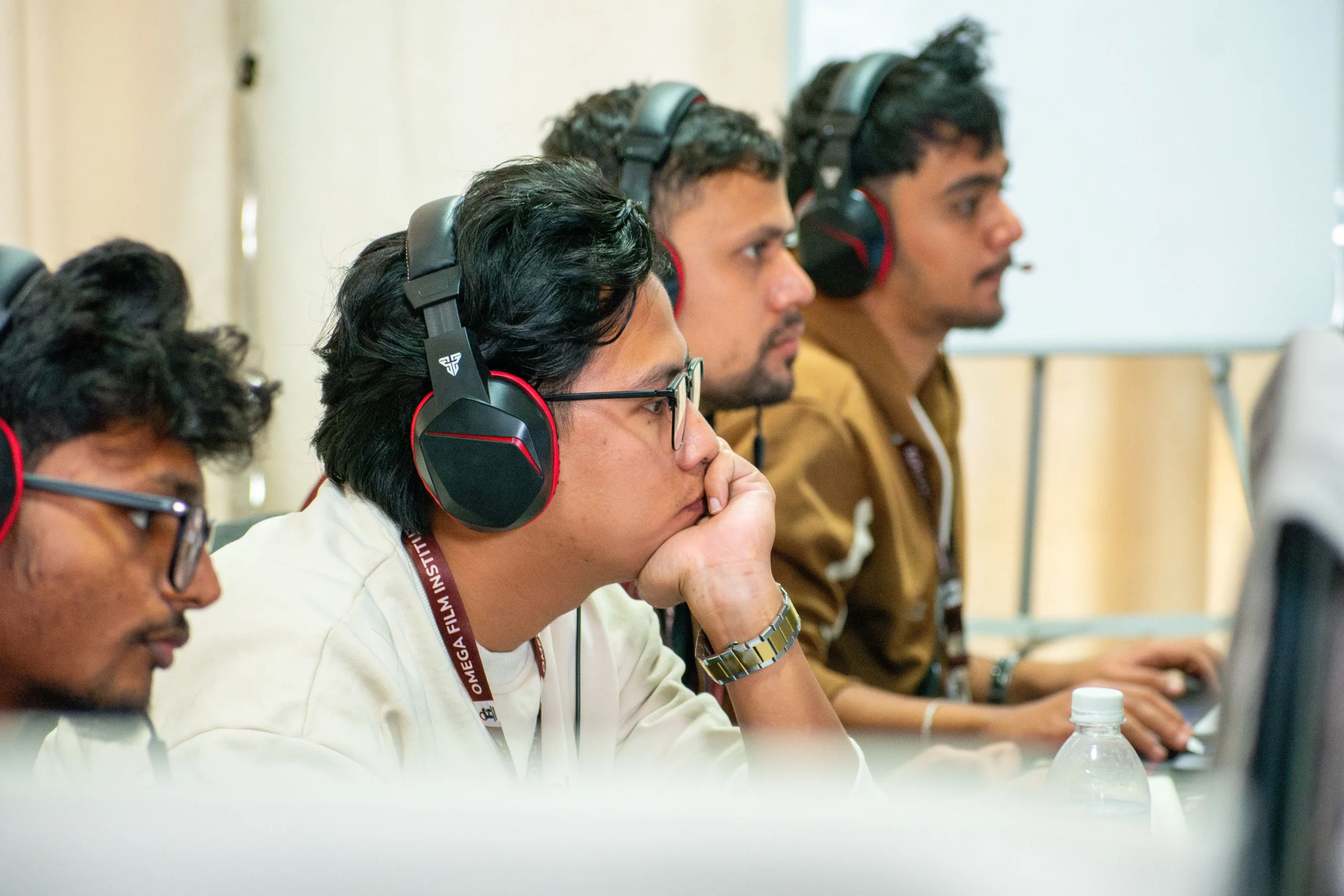
In today’s digital landscape, subtitles have become essential for video accessibility, audience engagement, and global reach. Whether you’re creating content for YouTube, Facebook, TikTok, or film festivals, Nepali subtitles help ensure that your message reaches a wider audience — including the hearing-impaired, viewers who prefer watching on mute, and international audiences interested in Nepali content. By mastering a Nepali video subtitles tutorial, creators can make their videos more accessible, professional, and globally understandable.
For creators, filmmakers, and editors in Nepal, mastering subtitle creation is not just a technical skill — it’s a professional advantage. At Omega Film Institute, Nepal’s leading video editing school, we teach students how to create accurate, readable, and well-timed subtitles for Nepali-language videos using modern tools and industry best practices.
This guide will take you through the complete subtitle creation process: tools to use, formatting rules, timing techniques, and export workflows tailored for Nepali content.
Why Subtitles Are Important for Nepali Videos
1. Accessibility for All Viewers
Subtitles make your content accessible to:
- Hearing-impaired viewers
- People watching in noisy environments
- Mobile viewers who watch without sound
2. Better Engagement and Watch Time
Subtitled videos hold attention longer, especially on platforms like Facebook and YouTube.
3. Reach Global Audiences
Subtitles help non-Nepali speakers understand your content and improve SEO.
4. Professionalism
Film festivals, corporate clients, and YouTube channels expect clean and accurate subtitles.
Understanding Nepali Subtitles: What Makes Them Unique?
Nepali subtitles require special attention to:
- Unicode fonts (Preeti is NOT recommended)
- Correct spacing for conjunct letters
- Cultural phrases and tone
- Localization instead of direct translation
For example, “धन्यवाद” should not appear as broken characters due to incorrect fonts.
Tools to Create Nepali Subtitles
Below are the most effective tools for creating high-quality Nepali subtitles.
1. Adobe Premiere Pro
Premiere Pro supports Unicode Nepali fonts, making it ideal for creating subtitles directly in your timeline.
How to Add Nepali Subtitles in Premiere Pro:
- Open Window > Captions and Graphics.
- Select Create New Caption Track.
- Choose Subtitles.
- Use Unicode fonts like Kalimati, Mukta, Noto Sans Devanagari.
- Type your Nepali text.
- Adjust placement and timing.
Best For: Editors working on YouTube videos, films, short content, and client projects.
2. DaVinci Resolve
DaVinci Resolve’s subtitle tools are robust and support export-ready SRT files.
How to Add Nepali Subtitles:
- Go to Edit Page.
- Open Effects Library > Titles > Subtitles.
- Drag Subtitle onto the timeline.
- Type Nepali text using Unicode.
- Export as SRT or burn into video.
Best For: Films, documentaries, and color-graded projects.
3. Aegisub (FREE)
A popular tool for subtitle timing and styling.
Features:
- Precise waveform-based timing
- Supports Unicode Nepali
- Style and font customization
Best For: Anime-style subtitles, film festival submissions, broadcast standards.
4. YouTube Auto-Transcribe (with manual correction)
YouTube can auto-generate English subtitles, but not Nepali. However, you can:
- Upload your video as unlisted.
- Let YouTube generate English subs.
- Translate manually into Nepali.
- Export the SRT.
Best For: YouTubers who want a quick workflow.
5. Google Docs + SRT Format
You can type subtitles in Google Docs using Nepali Unicode and convert them to SRT manually.
Pros: Free, easy, flexible.
Cons: Time-consuming for longer videos.
Best Practices for Nepali Subtitle Formatting
To create professional and readable subtitles, follow these rules:
1. Keep Lines Short
Limit subtitles to one or two lines.
Example:
आज हामी यहाँ तपाईंलाई भिडियो सम्पादन सिकाउन आएका छौं।
2. Maintain Proper Timing
- Min duration: 1 second
- Max duration: 6 seconds
- Sync with natural speech pauses
3. Use Readable Fonts
Recommended fonts for Nepali:
- Mukta
- Kalimati
- Noto Sans Devanagari
- Hind Siliguri
4. Maintain Safe Margins
Keep subtitles below the frame but above the very bottom edge.
5. Avoid Literal Translations
Subtitle meaning should be clear, not word-for-word.
For example:
- Wrong: “मेरो मन भत्किरहेको छ।” (literal)
- Right: “म धेरै दुःखी छु।” (natural)
6. Use Punctuation Correctly
Correct: “तिमीलाई भेटेर खुशी लाग्यो।”
Incorrect: “तिमीलाई भेटेर खुशी लाग्यो”
Exporting Nepali Subtitles
Exporting SRT (Standard Format)
Use SRT format for:
Burning Subtitles Into Video
Choose Burn-in subtitles when clients want the text embedded permanently.
Multiple Subtitle Tracks
For bilingual content, export:
- Nepali SRT
- English SRT
Common Mistakes to Avoid
- Using Preeti or non-Unicode fonts (breaks on most devices).
- Adding too much text per line.
- Misaligned timing.
- Text too large or too small.
- Poor translation accuracy.
Why Learn Subtitle Creation at Omega Film Institute
At Omega Film Institute, we train editors to handle professional subtitling demands for:
- Short films
- Music videos
- YouTube channels
- Corporate videos
- Weddings and documentaries
Students learn:
- Nepali and English subtitle creation
- SRT formatting
- Timing and readability techniques
- Export workflows for festival submissions
Subtitling is an essential skill for Nepali editors aiming to work in modern digital media.
Conclusion
Creating accurate, clean, and well-timed subtitles for Nepali-language videos is not difficult — but it requires attention to detail, the right tools, and consistent practice. Whether you’re a beginner editor, a YouTuber, or a filmmaker, subtitles will elevate your content and make it more accessible to audiences across Nepal and beyond.
If you want to learn professional subtitling along with advanced video editing, join Omega Film Institute, Nepal’s leading training hub for Adobe Premiere Pro, DaVinci Resolve, and digital content creation.
Start creating videos that everyone can understand — with subtitles that enhance your storytelling.
