Mobile video editing has transformed how Nepali content creators, businesses, wedding filmmakers, and influencers produce and publish visual stories. With the rise of TikTok, YouTube Shorts, Instagram Reels, and Facebook videos, the demand for quick, quality edits has increased dramatically. Today, mobile video editing apps in Nepal make it possible to edit, enhance, and export professional-quality videos directly from a smartphone. What once required a desktop PC or laptop can now be done from a pocket device—with surprisingly professional results.
At Omega Film Institute, Nepal’s leading center for professional post-production and media training, we teach students how to leverage mobile editing tools effectively. Whether you’re a beginner, a freelancer, or a filmmaker handling urgent client work, this guide will help you choose the right mobile editing apps and understand when to use them.
Why Mobile Editing Matters in Nepal
Nepal’s content industry has unique challenges:
- Limited access to high-end PCs and GPUs
- Fast-paced trends driven by social platforms
- Increasing demand for quick turnaround content
- Affordable smartphones with powerful processors
As a result, mobile editing has become a practical solution for:
- Social media ads
- Wedding highlights
- Travel reels
- Event teasers
- Product showcases
- Educational content
For many editors, mobile apps fill the gap between professional editing systems and immediate client needs.
Best Mobile Editing Apps Used in Nepal
Here are the most reliable and widely used apps in 2025–2026, based on performance, features, ease of use, and compatibility with Nepali workflows.
1. CapCut
Best For: TikTok, Instagram Reels, YouTube Shorts
Why Nepali creators love it:
- Free and beginner-friendly
- Trend-based templates
- Speed-ramping, stabilizer, auto captions
- Supports vertical editing
Ideal for editors who need fast turnarounds for brands and influencers.
2. KineMaster
Best For: Advanced mobile video edits
Strengths:
- Multi-layer support
- Blend modes, chroma key, transitions
- Great for wedding trailers and event teasers
Paid version removes watermark and unlocks professional-grade features.
3. VN Video Editor
Best For: Freelancers who want desktop-style workflow
Key Features:
- Clean timeline interface
- LUT support (for color grading)
- Speed curves and keyframes
- No watermark
Perfect for editors transitioning from Premiere Pro or DaVinci Resolve.
4. InShot
Best For: Quick social media cuts
Advantages:
- Extremely fast workflows
- Text, stickers, overlays
- Popular among Nepali vloggers and business pages
Not ideal for heavy storytelling edits.
5. LumaFusion
(iOS only)
Best For: Serious mobile filmmakers
Why it stands out:
- Up to 6 layers of video
- Color LUTs + audio tools
- Suitable for travel filmmaking and documentary cuts
Expensive, but closest to professional desktop editing.
6. Adobe Premiere Rush
Best For: Editors familiar with Adobe ecosystem
Strengths:
- Syncs with Premiere Pro
- Auto audio leveling
- Cross-device workflows
Useful for corporate editors and social media teams.
When to Use Mobile Editing Instead of Desktop Editing
Mobile editing is not a replacement for Premiere Pro or DaVinci Resolve. It is a strategic tool. Use it when:
✔ Same-day delivery is required
Wedding highlight reels, event recaps, influencer collaborations.
✔ Social-media-first content
Vertical formats, quick reels, story-based edits.
✔ On-the-go production
Travel creators benefit from editing directly on location.
✔ Budget constraints exist
Mobile apps reduce hardware investment for beginners.
✔ Client needs preview before final output
Helps maintain workflow momentum.
When NOT to Use Mobile Editing
Avoid mobile editing for:
- Feature films
- Color-critical projects
- High-end wedding cinemas
- Multi-layer motion graphics
- Long-form YouTube documentaries
These require professional monitors, GPUs, scopes, and post-production control.
Essential Tips for Better Mobile Edits
To deliver professional mobile content, follow these workflow rules:
1. Shoot for Editing
Use stable shots, proper lighting, and clean audio.
2. Use LUTs Wisely
Don’t oversaturate Nepali skin tones—keep color natural.
3. Add Captions
Most Nepalis watch videos without sound.
4. Keep Duration Short
Under 20 seconds performs best for ads and reels.
5. Export Correctly
Export Settings:
- Resolution: 1080×1920
- Codec: H.264
- Bitrate: 10–16 Mbps
How Mobile Editing Helps Nepali Editors Earn Faster
With smartphones and editing apps, editors now offer:
- On-site wedding instant trailers
- Event recap reels
- Quick brand videos for local businesses
- Social media campaigns for influencers
Many Nepali editors charge NPR 2,500–30,000 per reel, depending on complexity.
Conclusion
Mobile editing has unlocked massive opportunities in Nepal for editors who can work fast, create visually engaging content, and deliver optimized videos for social platforms. With the right apps and smart workflows, even beginners can produce professional results.
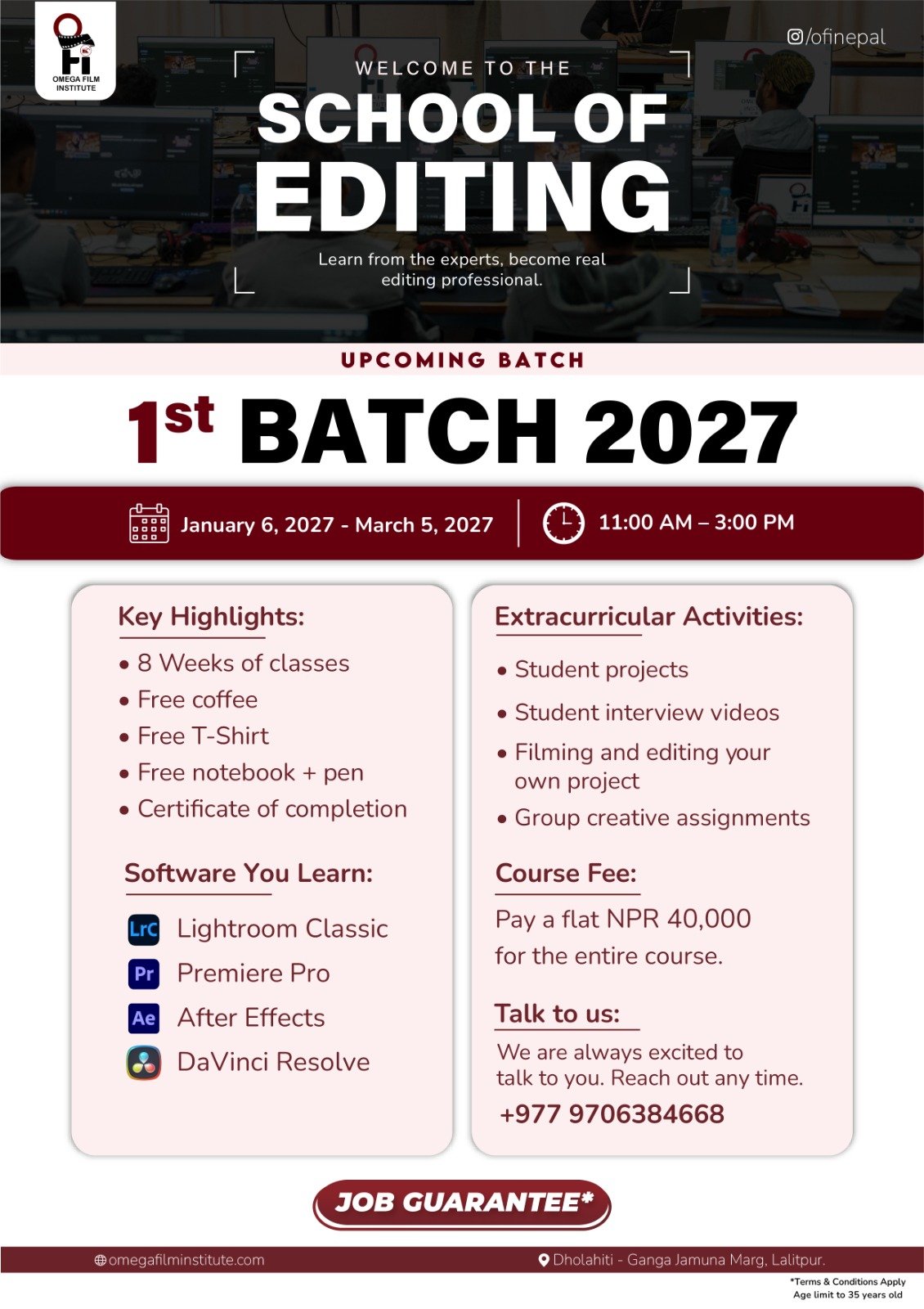
To master editing—whether on mobile or desktop—join Omega Film Institute, Nepal’s top destination for training in creative media, Adobe Premiere Pro, DaVinci Resolve, and social-first content creation.
Edit smart. Edit anywhere. Your career is in your pocket.